Posts

Showing posts with the label Android

Get Inspired - Lynne Garner

Image
Last month I mentioned I'd treated myself to a Kindle Fire and had spent time not only playing games (well to be honest only the one Free Flow, which is very addictive) but I'd also explored a few writing apps. Over the last month I've been 'playing' with them and decided that I'd write couple of reviews. So here goes... Note: The links take you to Amazon but these apps are also available for iPhone Screens from 'Story Lines'  Story Lines    Designed by: Magostech Cost: free I love real story cubes and regularly use them in class to help inspire my students for their short stories. The cubes I normally use come in packs of nine giving you 54 images. However these have 10 images each, giving you 90 images, so offering many more combinations. To use you simply shake your phone or tablet and the dice scatter. You can then drag them into some order and lock the image. I've only used the app as a 'guest' however if you sign up you can...
Authors Electric How To Day – DropBox – How to load books and documents on your Kindle fire using DropBox – Chris Longmuir

Image
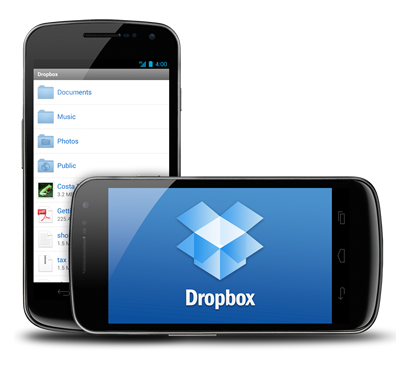
DropBox for Android Devices Normally to sideload a book or document to your Kindle Fire it would be done by connecting the Fire to your computer and copying the appropriate file into your Kindle Fire. I am going to show you an easier way to do it using DropBox. It's easy to install DropBox Installing DropBox First you have to install DropBox onto your Kindle Fire, and this is quite easy to do. 1. From the Kindle Fire’s main screen place your finger at the top of the screen and swipe downwards. This will reveal your settings. 2. Tap “More” and from the list of settings tap “Device”. 3. Where it says “Allow Installation of Applications” toggle it to “On” – the default is “Off”. When it is “On” it allows you to download Apps other than Amazon ones. 4. After you have done this go back to the “Home” page and click on “Web”. This will open your browser. 5. In the search box type http://www.dropbox.com/android . This will open the download page for “Dropbox ...